
InspectView QEC
For Android · Free with your InspectView workspace
Do the whole engine QEC in the hangar — item by item, by voice or photo, online or off.
No store download needed. The Google Play version is on its way; this installs the same app today.
Install on Android in under a minute
- 1Open in Chrome
On your Android phone, open inspectview.io/m in Chrome.
- 2Tap Install app
Tap Install app on the banner, or ⋮ menu → Install app.
- 3Confirm
Tap Install. The icon appears on your home screen and app drawer.
- 4Open IV QEC
Launch it from your home screen and sign in once.
What's in the app
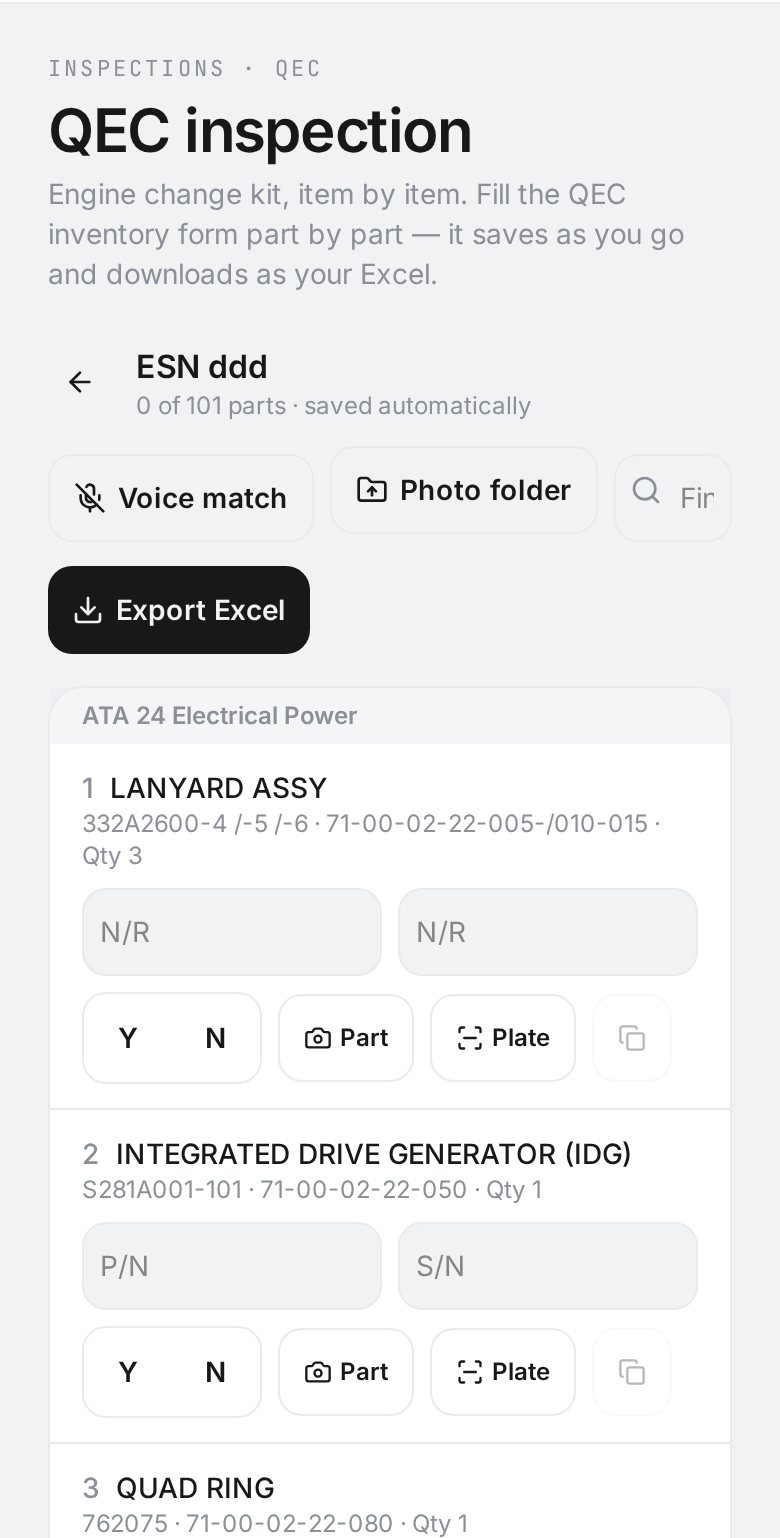
The full QEC form
Same sheet as the web, exported to the JTech Excel layout.
Call out part numbers
Say a P/N and it finds the row — with or without the dash.
Photo folders
Upload part and plate photos; matches fill empty fields only.
Works without signal
Edits and photos are held on the phone and sync when back online.