Borescope inspection · AI-assisted

Find every defectbefore it finds you.

AirCheck is a copilot for the mechanic behind the borescope. Feed in your probe video, and our model tags cracks, TBC spall, coating loss and FOD — stage by stage, color-coded, ready for your signature. You still make the call.

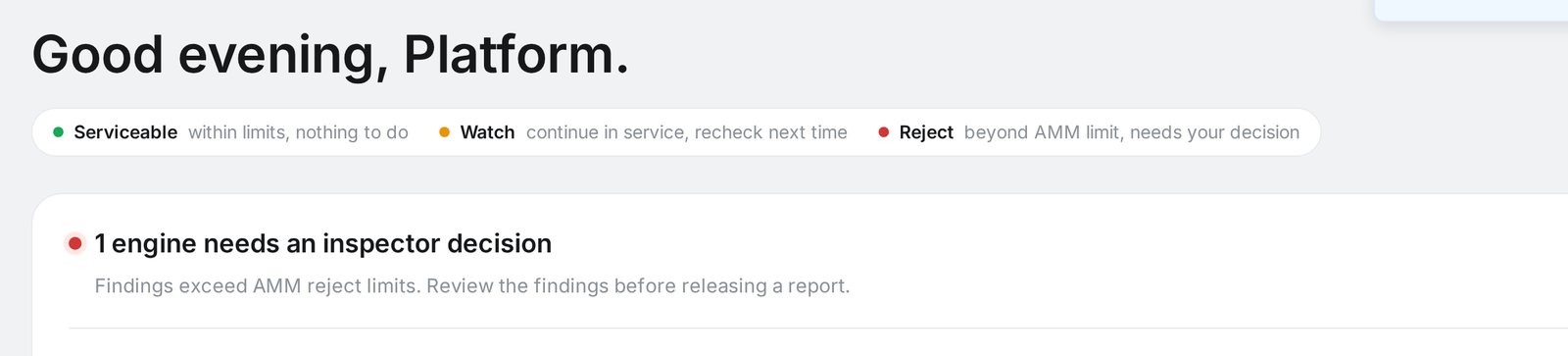
Green · Serviceable Orange · Reduced cycles Red · Unserviceable
Inspection · CFM-LEAP1A-22014 · Hangar B-04
LIVE
FANFANLPCLPCHPCHPCCMBCOMBUSTORHPTHPTLPTLPTNZLNOZZLETBC coating spall · HPT S1
Stages scanned
/ 7
Findings
Confidence
Built for line maintenance·Part-145 workflows·Offline-capable capture·Signed PDF reports·Works with Olympus IPLEX · Waygo · GE Mentor·Built for line maintenance·Part-145 workflows·Offline-capable capture·Signed PDF reports·Works with Olympus IPLEX · Waygo · GE Mentor·
How it works

Three steps between probe-in and sign-off.

Designed around the way you actually work in the hangar — not around a marketing funnel.
Step 01

Capture

Plug in your borescope — Olympus IPLEX, Waygo, GE Mentor — and stream video or stills straight into AirCheck. Works on the hangar Wi-Fi or fully offline.

Step 02

AI triage

Our model walks every frame, tags cracks, TBC spall, coating loss, wear and FOD, and rolls findings up to a stage-level Green / Orange / Red map.

Step 03

Decide & sign

You review each finding, add notes, override anything you disagree with, and export a signed PDF ready for the tech-log. AirCheck never signs for you.

Live walkthrough

Watch one inspection run end to end.

Scroll to advance the run, or hover a phase to hold it there. Same flow you get in the hangar — probe in, AI triage, findings, your signature.

IAE V2527-A5 · ESN 813344Capturing
Fan
LPC
HPC
Comb
HPT
LPT
Nozzle
Findings

Waiting on triage — findings appear with their AMM criterion attached.

Disposition
Stages inspectedin progress
AMM references
Airworthiness callAwaiting mechanic
Signature block empty
AirCheck never signs for you
One color code, every stage

Serviceability at a glance — before you even zoom in.

AirCheck rolls every finding up to the stage it lives in, so the whole engine tells the story in three colors.
FANFANLPCLPCHPCHPCCMBCOMBUSTORHPTHPTLPTLPTNZLNOZZLE
Green · Serviceable
Within limits. Return to service, standard inspection interval.
Orange · Reduced cycles
Serviceable, but flagged for shorter repetitive inspection or reduced cycles.
Red · Unserviceable
Out of limits. Component must be removed, repaired or scrapped before flight.
Features

Built to shorten every borescope inspection.

Nothing fancy for the sake of it — every feature earns its place in the hangar.

Stage-level heatmap

The whole engine — FAN, LPC, HPC, Combustor, HPT, LPT, Nozzle — color-coded by worst finding.

AI defect detection

Trained on cracks, TBC spall, tip wear, discoloration, FOD strikes and coating loss.

Multi-select severity filters

Toggle Green, Orange and Red independently in the gallery to focus your review.

Click-a-stage drawer

Tap any stage in the engine map to see every damage image and count for that section.

Signed, archivable reports

Export a PDF with findings, measurements, images and your signature — ready for the tech-log.

Borescope agnostic

Works with Olympus IPLEX, Waygo, GE Mentor Visual iQ and generic USB video probes.

One flow, two inspections

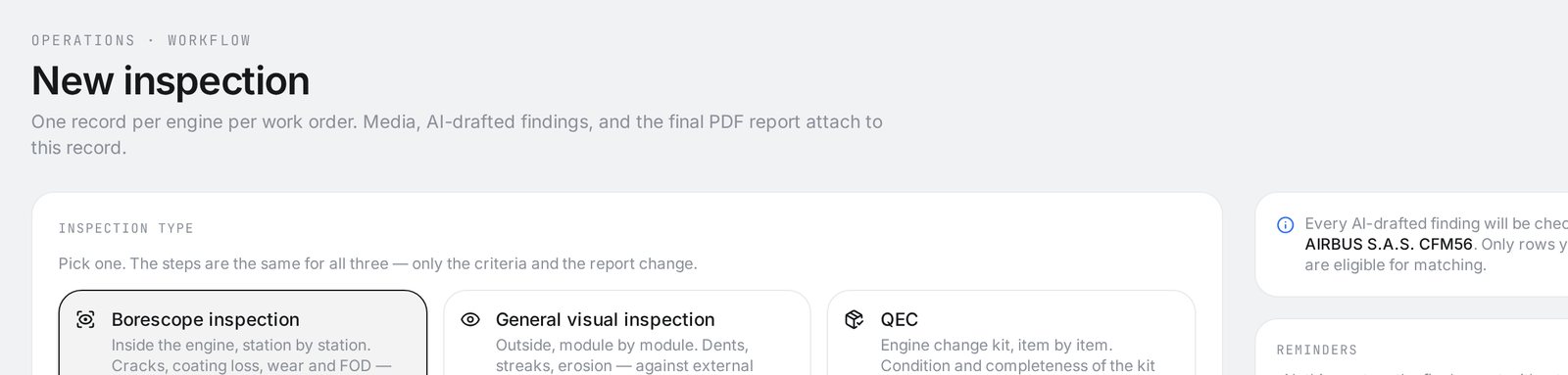
Down the gas path, or around the airframe.

Same four moves either way — set up, add footage, run the check, sign the report. Only the criteria change.

Borescope

By station

Inside the engine, frame by frame — cracks, TBC spall, coating loss, FOD — matched to the AMM gas-path tables.

FanLPCCombustorHPTLPT

General visual (GVI)

By zone

Outside, module by module — dents, streaks, erosion — against external condition criteria, with a report shaped by why you're inspecting.

Purpose:Lease returnPre-buyIncident
Pick the wrong one? The AI notices — "this looks like external footage" — and offers the switch. It never changes it for you.
Source of truth

The manual makes the call. The AI explains it.

Every finding is checked against your manual and cites its chapter and page. Claude adds a clearly-labelled second opinion — and if the manual isn't indexed yet, the finding says "manual match pending". A citation is never invented.
Cited · ch/page
Advisory · labelled
Signed · by you
Fix before flightHPT · frame 12408

A patch of the heat coating has flaked off a turbine blade.

The manual says — source of truth

Coating loss on HPT stage 1 blades bigger than 12 mm² is beyond limits — replace before the next flight.

AMM Rev 78 · 72-52-00 · p. 412 · table 7.3
Claude's 2nd opinion — advisory

Agrees with the manual call. The neighbouring blade shows early shadowing — not in the criteria, flagged for the inspector.

Approve & sign offNot right? Flag it
AeroOps — the rest of your shop

The inspection is one job. AeroOps runs all of them.

01 · Intake

Email in, job out

A customer email becomes a drafted job — you review every field.

02 · Schedule

Crews, certs, customs

Visa expiring mid-job? It proposes the swap before the crew notices.

03 · Parts

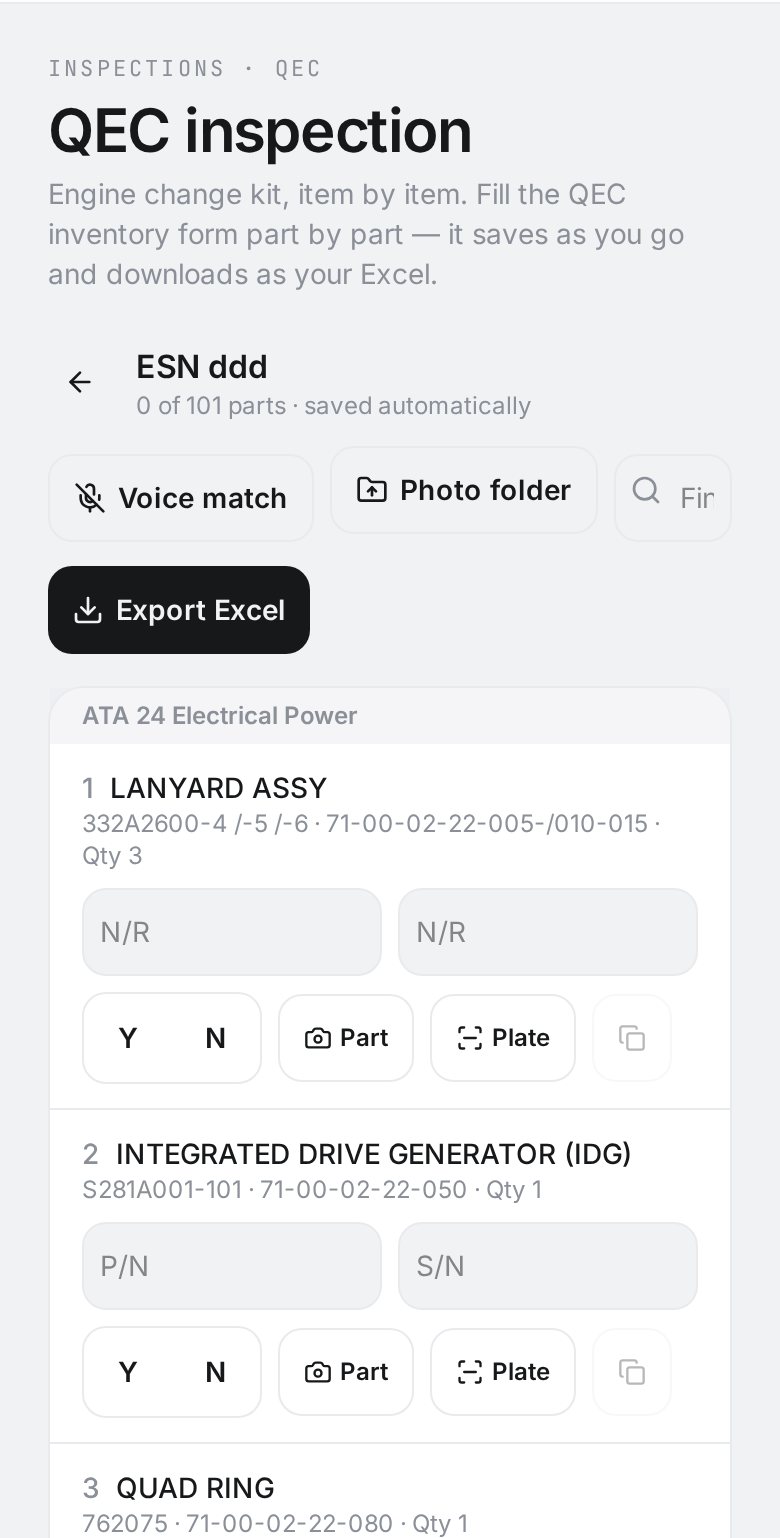
Snap it, match it

Photograph a part; it's identified and cited to the manual page.

04 · Portal

Customers see truth

One magic link — live status, the signed report, approve or request changes.

05 · Invoice

Approved → billed

Approval issues the invoice — nobody copies numbers at 6pm.

One sign-in, one design language, one record — every job your shop finishes is traceable end to end.
For mechanics, not managers

You keep the wrench. AirCheck keeps the eyes.

We don't automate your judgement — we automate the tedious parts around it. Every AI finding is a suggestion you can accept, edit or reject.
You always sign the report. AirCheck never does.
Override any AI call in one tap with a note for the record.
See exactly which frame and which pixels drove each finding.
Works on a tablet in the hangar — no desk required.
Leading-edge crack
Red
Leading-edge crack
HPT · Stage 1 · Blade 14/76
TBC coating spall
Red
TBC coating spall
Combustor liner · zone 3
Tip wear, abrasive
Orange
Tip wear, abrasive
LPC · Stage 2 · Blade ring
Surface discoloration
Green
Surface discoloration
Nozzle · convergent section
Questions

What mechanics ask us first.

No. AirCheck triages the footage and highlights potential defects — you review, confirm, edit or reject each one, and you sign the report. The AI never signs anything.
Cinematic tour

Aviation 2050 — 12 chapters, ~10 minutes.

Watch one inspection run end to end: the job arrives, footage lands in the capture inbox, AI reads the frames, findings trace back to the evidence, the inspector signs, the report builds itself. No sign-up — it plays itself.

12 chapters · ~10 min · plays automatically
Ready when you are

Shorten your next borescope inspection.

No setup, no sales call. Load a sample engine or start a new inspection now.